Track a cycle, together.
A cycle tracker a family shares: one profile, every entry attributed to who logged it, estimates that explain themselves, and reminders that reach the right person.
Use lunarlog in your browserFree for personal use.
Track a cycle together
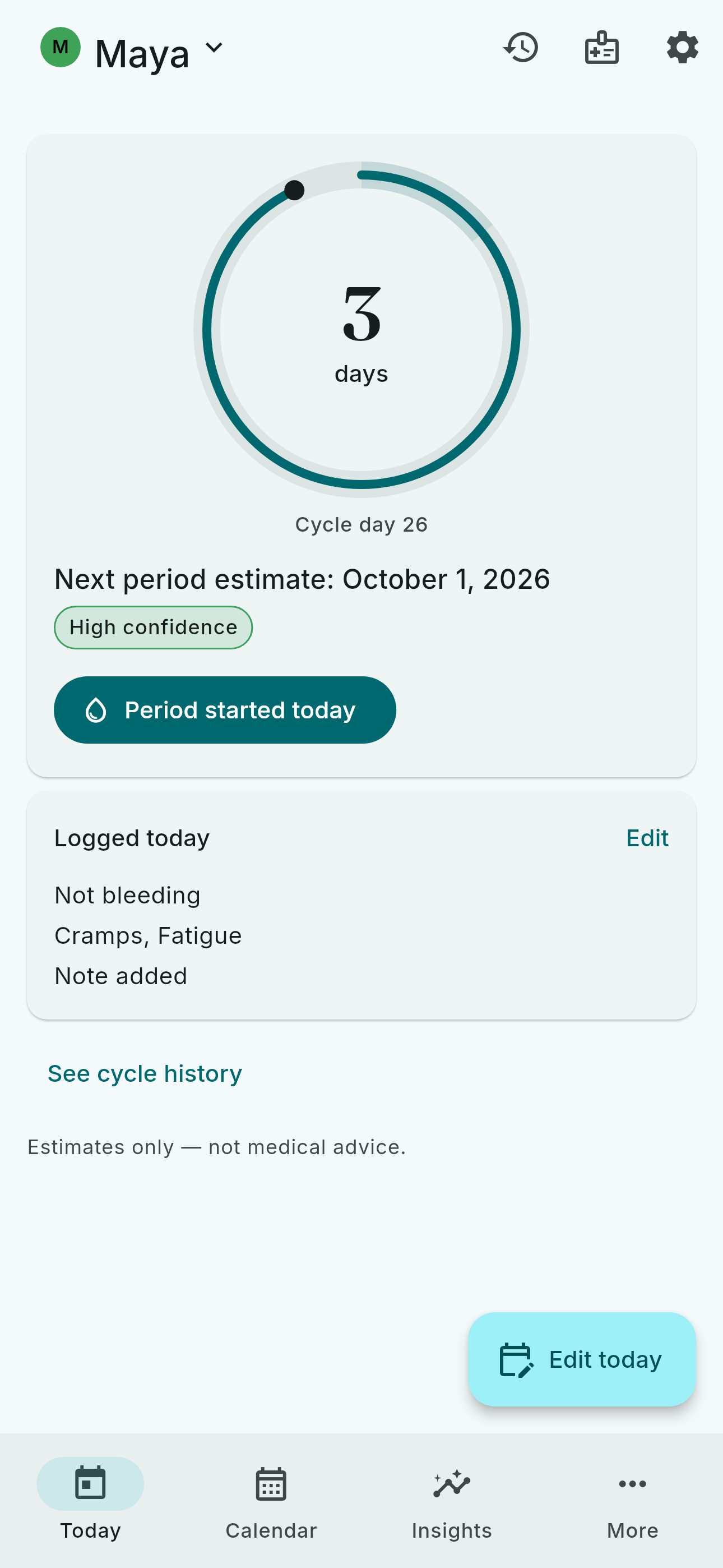
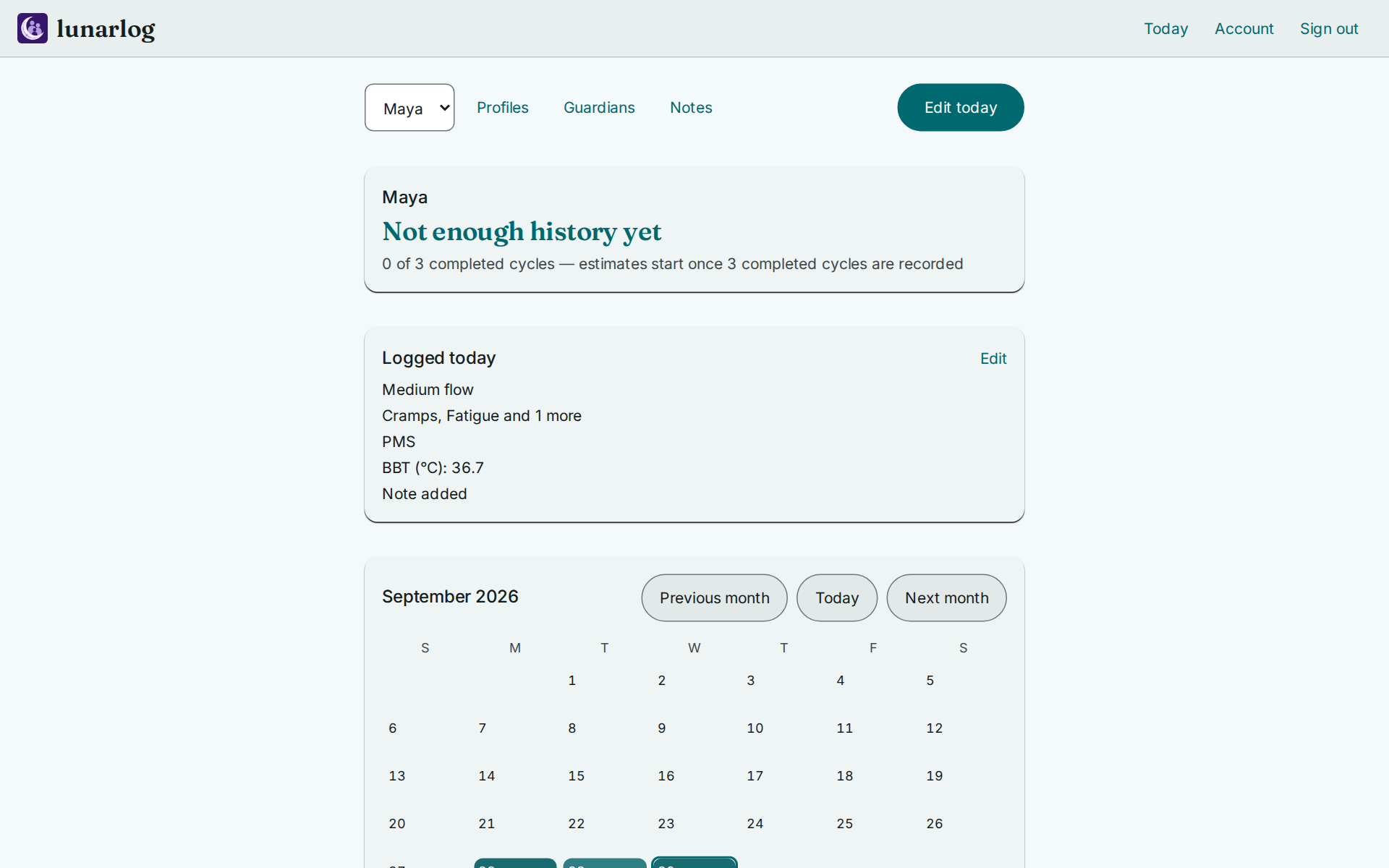
One profile holds one cycle, and it is shared, not siloed: what one guardian logs, the profile's other guardians see on the same calendar. Every entry carries the name of the person who logged it, and when two guardians log the same day without knowing, lunarlog merges the entries instead of overwriting one person's writing — and shows both of them what happened. The shared month calendar — what was logged beside the estimated days, always labelled as estimates — is on the tracking page.
Invited in by role, not all-or-nothing
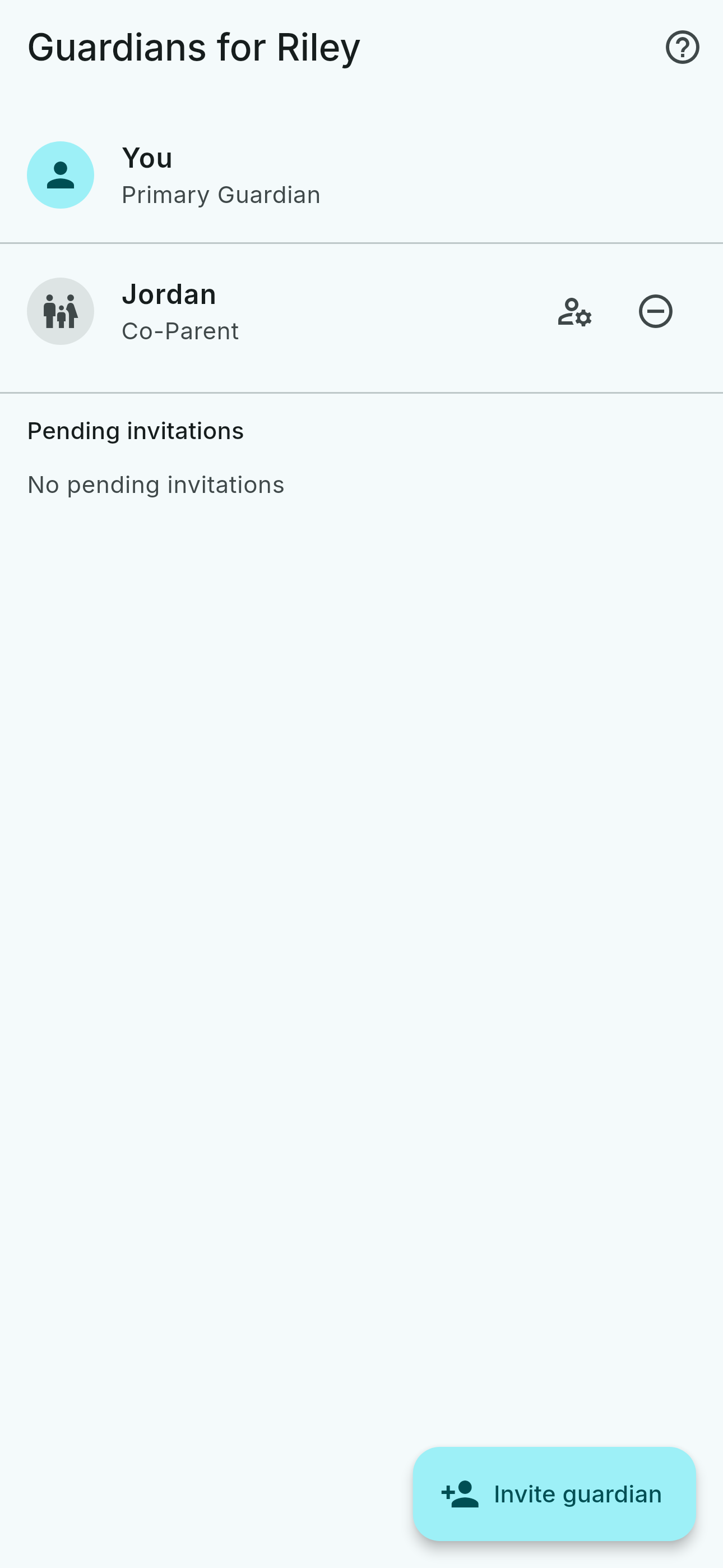
One account can keep several profiles — yours and the ones you set up for family members — and each profile is shared with its own guardians. Sharing runs on four roles — Primary Guardian, Co-Parent, Caregiver, and Viewer — so the person you invite gets exactly as much access as they need. Invitations are single-use links, you pick the role, and you can change or revoke it later. The server enforces every role, not just the app. How sharing and roles work.
You track for yourself
Start on your own device — no account needed to log. When you want someone alongside you, invite a parent, partner, or caregiver to your profile, as a reader or with hands-on access. You decide the role, and you can revoke it.
You set it up for someone else
Create a profile for a family member and invite them to log it themselves from their own device. For someone under 13, that invitation is the only way the app begins — and accepting it is the record of parental consent.
Neither direction is the "real" one, and a parent holding the phone is never assumed to be the person whose cycle it is. Both invitations, step by step.
Reminders that reach the right person
A guardian can turn on optional alerts — when another guardian logs an entry, or when an expected entry hasn't arrived — so everyone invited stays in the loop without asking. The alert that reaches the lock screen is the same fixed, generic text every time, never the content: no note, tag, flow level, date, or profile name ever rides along. How alerts work.
Estimates that explain themselves
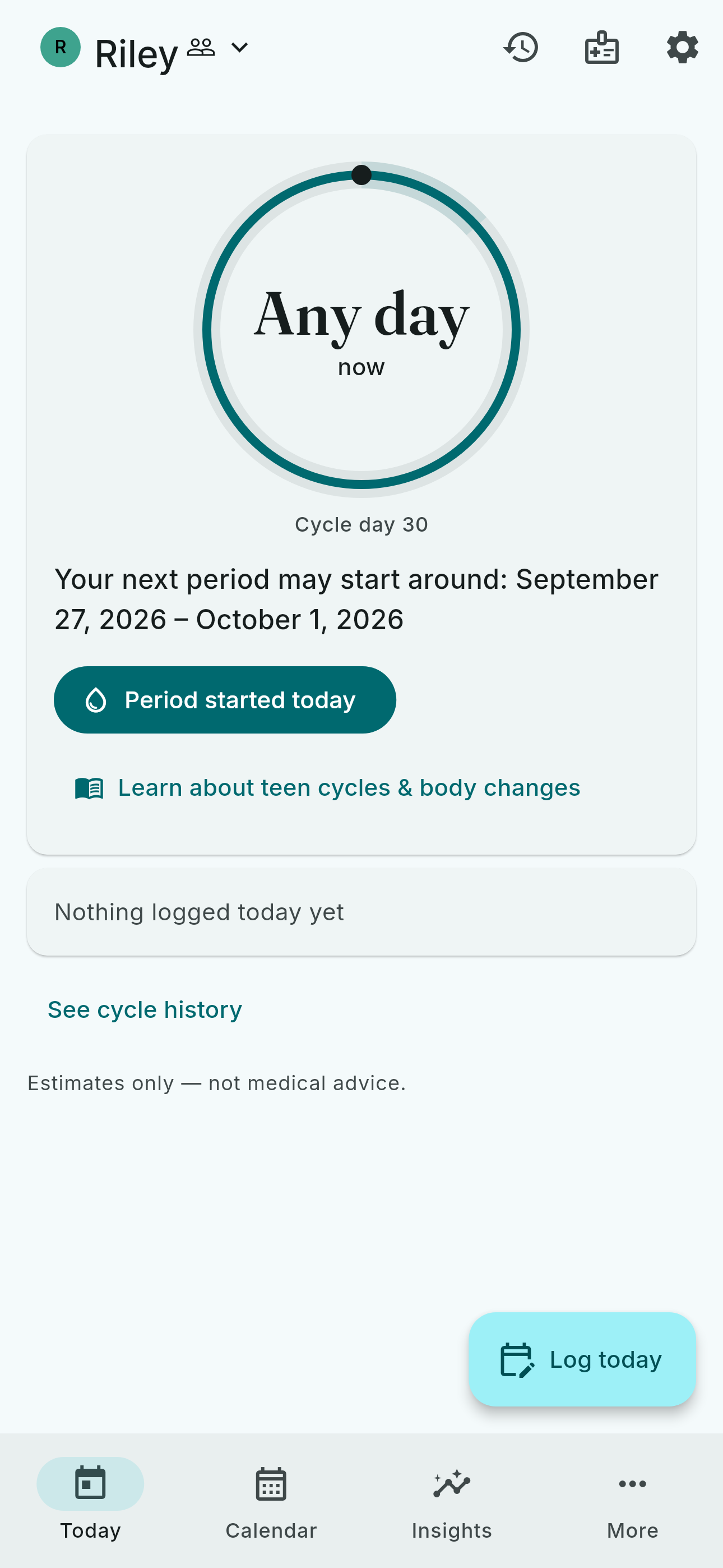
Every estimate is computed on the device, from the history the profile holds — nothing else — and always arrives with a confidence tier, so a fresh profile says so instead of guessing. They are estimates only, not medical advice. If something worries you, talk to a clinician. What tracking looks like.
Works when the network doesn't
Logging, history, and estimates all run from the copy on the device — nothing you do offline is blocked or degraded — and what you log reaches the profile's guardians when a connection returns.
Your data, in and out
Bring history in from Clue, Apple Health, or Health Connect — you start the first import. Apple Health and Health Connect imports then keep themselves current in the background once a profile is bound and that first import has completed; the Clue import is a one-off file pick. No import ever overwrites a value you logged by hand. For the one profile you choose, what you log is also written to Apple Health or Health Connect, on the phone itself. Take everything out, any time, as JSON, CSV, a FHIR summary for clinicians, or a one-page PDF: built on your device, with no account required. Importing · Your phone's health app · Exporting.
Private by design
No advertising, no data brokers, no behavioral tracking. Your device copy sits behind its own lock. Sync runs over TLS into row-level- secured storage — and it is not end-to-end encrypted, which the privacy page states plainly along with everything else we know about your data. lunarlog is licensed 13 and up; someone younger uses it only through a parent's invitation. Privacy and security · The full policy.