
Import
History is worth keeping when you move. lunarlog imports from Clue, from Apple Health on iPhone, and from Health Connect on Android. The first import is started by you, and the Clue import stays a one-off file pick; Apple Health and Health Connect imports then keep themselves current in the background once a profile is bound and that first import has completed — always labelled, and never written over something you logged by hand.
From Clue
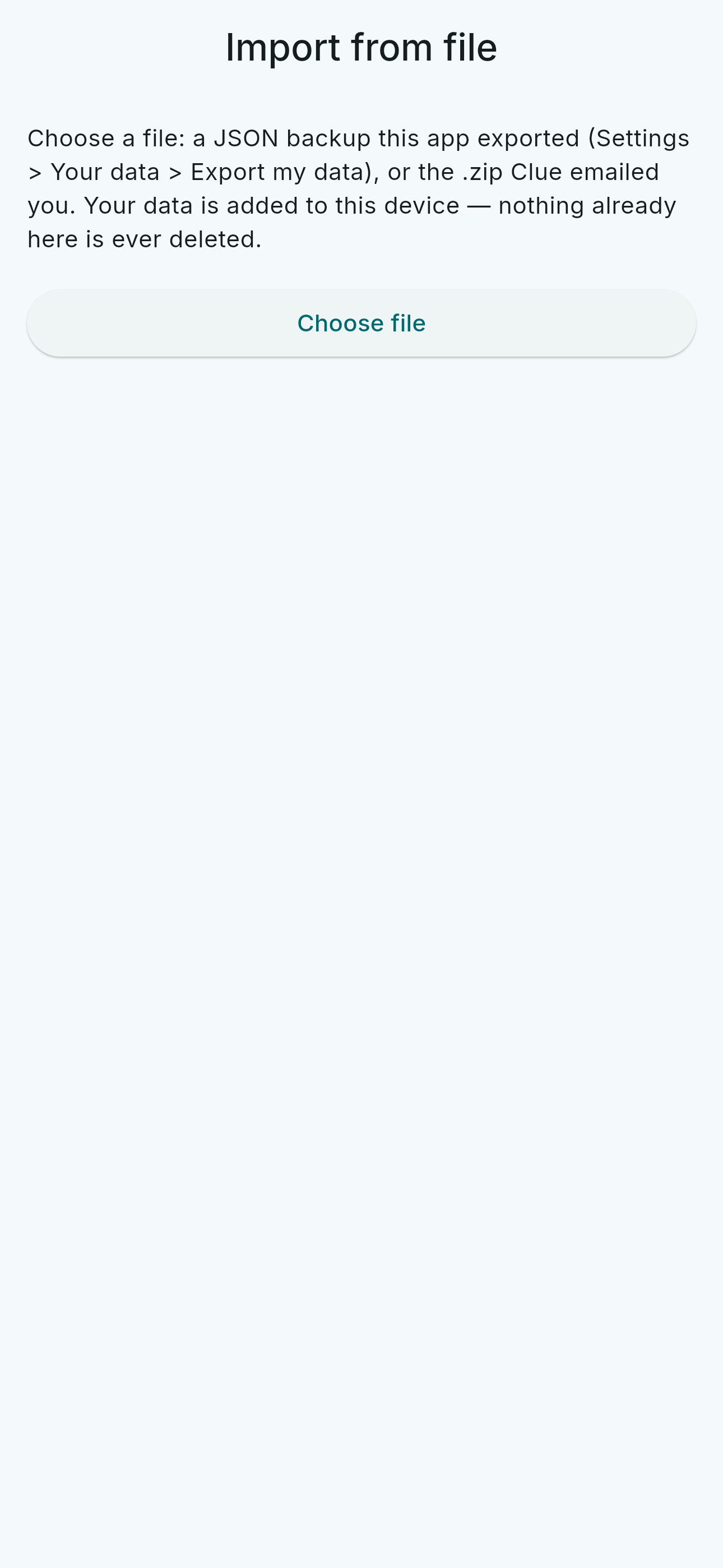
Export your data from Clue, pick the file in lunarlog, and review what the import will add before it runs. Every imported row is stamped as imported from Clue, so you can always tell imported history from logged history — and importing the same file twice adds nothing twice.
From Apple Health or Health Connect
On iPhone (Apple Health) and Android (Health Connect), lunarlog can read flow and spotting history. You start the first import yourself from Settings; once a profile is bound and that first import has completed, the same import also keeps itself current in the background — Apple Health tells lunarlog when new data lands, and Android checks Health Connect on a schedule — under the same rules: no prompt, no screen, never a write, and it stops if you unbind the profile or revoke the permission. The read covers the whole history the health store holds, a page at a time, however far back it goes.
What an import will and will not do:
- A value you logged by hand is never overwritten — an imported value fills an empty day or refreshes a day that was itself imported.
- Entries lunarlog wrote to the health store itself are excluded, so a write-then-import round trip never doubles your history.
- Imported days are labelled with where they came from, on the same profile the device is bound to.
- The import is idempotent: if it is interrupted, run it again and nothing is duplicated.
On iPhone, an import also surfaces Apple's own computed cycle deviations — irregular or infrequent cycles, prolonged periods, persistent intermenstrual bleeding — as a clearly labelled second opinion beside lunarlog's estimate. It is shown, never merged into your data, and never written back to Apple Health.
From a lunarlog export
Moving to a new phone or back onto this one: a JSON file you exported from lunarlog can be read back in. The restore adds what is missing and overwrites nothing — merging, not replacing — and works without an account.
What stays put
Importing works on the copy of your data on this device. Nothing leaves the device unless you sign in and turn on sync — the same rule every other write follows.